

Allgemein - FabulaTech USB-Redirection via RDP
Setting up the Client
The client software provisions USB devices to a remote server.
To enable the client software go to:
Kommbox → Connections & Applications → FabulaTech USB-over-Remote-Desktop-Client → General
Here you can:
- enable the client
- set a connection name.
To enable the RDP channel go to:
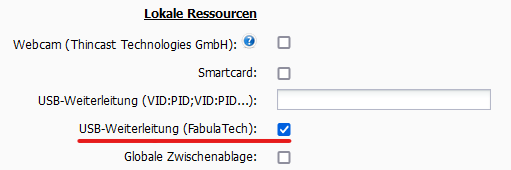
Kommbox → Connections & Applications → FreeRDP → Your RDP Connection → Local Resources
And toggle the USB-Redirection (FabulaTech) option.
Setting up the Server
The server software recieves USB devices from a RDP channel. The server can be found in the tray when running and connected.
Install the server software from FabulaTech.
Basic Usage
Client Usage
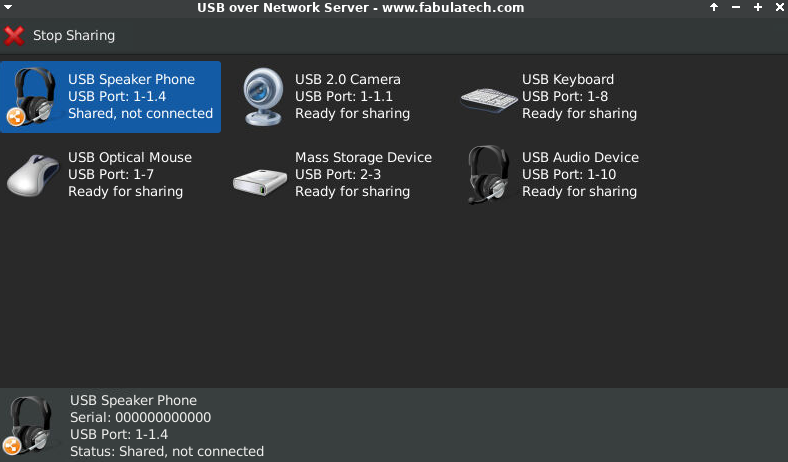
After starting the client software, devices may be selected for sharing to RDP connections.
Server Usage
After starting the server software, devices may be selected for use in the system tray application.
